 Azerkit
Getting started 2 min read
Link your characters to azerkit.com
Get a link code on azerkit.com, type /ak link CODE in game, and your character shows up on your dashboard with its level, gold and guild.
Link your characters to azerkit.com
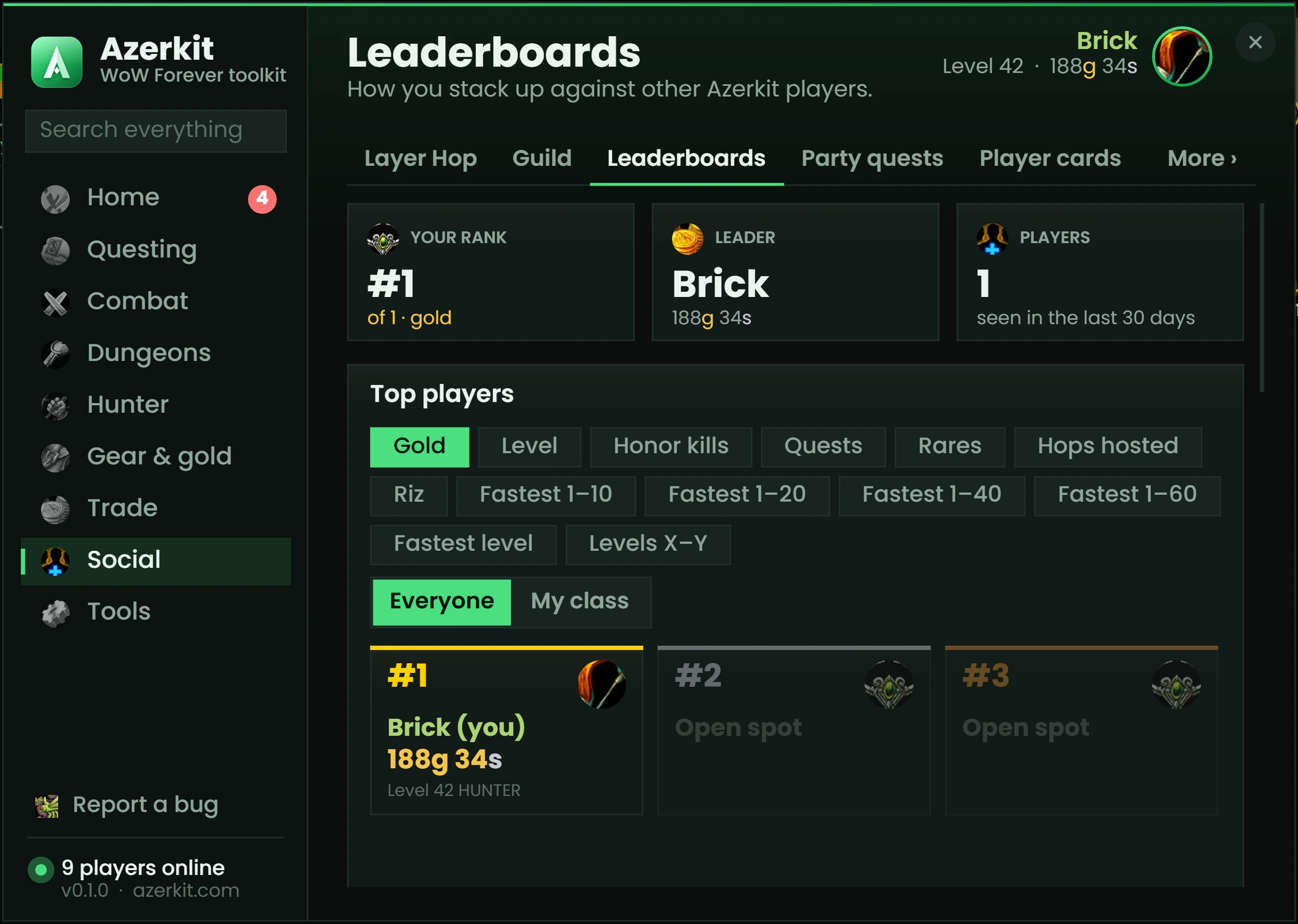
Linking is optional. The addon works fully without an account. A linked character adds the website side: your dashboard, character pages, the web map with your characters on it, and a place on the leaderboards.
How linking works
The game does not let addons talk to the internet. So the link happens in two halves:
- On azerkit.com you get a short link code. It is single-use and valid for 15 minutes.
- In game you type the code. Azerkit saves it on that character, and the next upload of your character data carries the code to azerkit.com, which attaches the character to your account.
Nothing about your Battle.net account is involved. Azerkit never asks for your game password.
Step by step
- Create an account or sign in.
- Open Characters on your dashboard and click Get a code.
- Log in to the character you want to link and type:
/ak link YOURCODE
- Azerkit confirms in chat. When your data is uploaded, the dashboard shows the character as linked. The dashboard checks for it on its own while the code is on screen.
To link another character, get a new code: each code links one character.
Check or undo a link
/ak linkwith no code prints whether this character has a code saved./ak unlinkremoves the saved code from this character.- On the website, Unlink on a character removes it from your account.
Data sharing
Uploads only happen while data sharing is on. Check it with /ak share on or /ak share off. With sharing off, a link code is saved but never sent, and the addon tells you so.
Common questions
Is the leaderboard verified? Not yet. Leaderboard values are reported by the addon, so treat them as self-reported until there is an ownership check.
Can someone else link my character? They would need a code from their own account typed on your character, in game, within 15 minutes.
How many characters can I link? Three on the free plan, unlimited with Plus. The addon itself has no limits.
Type /ak in game
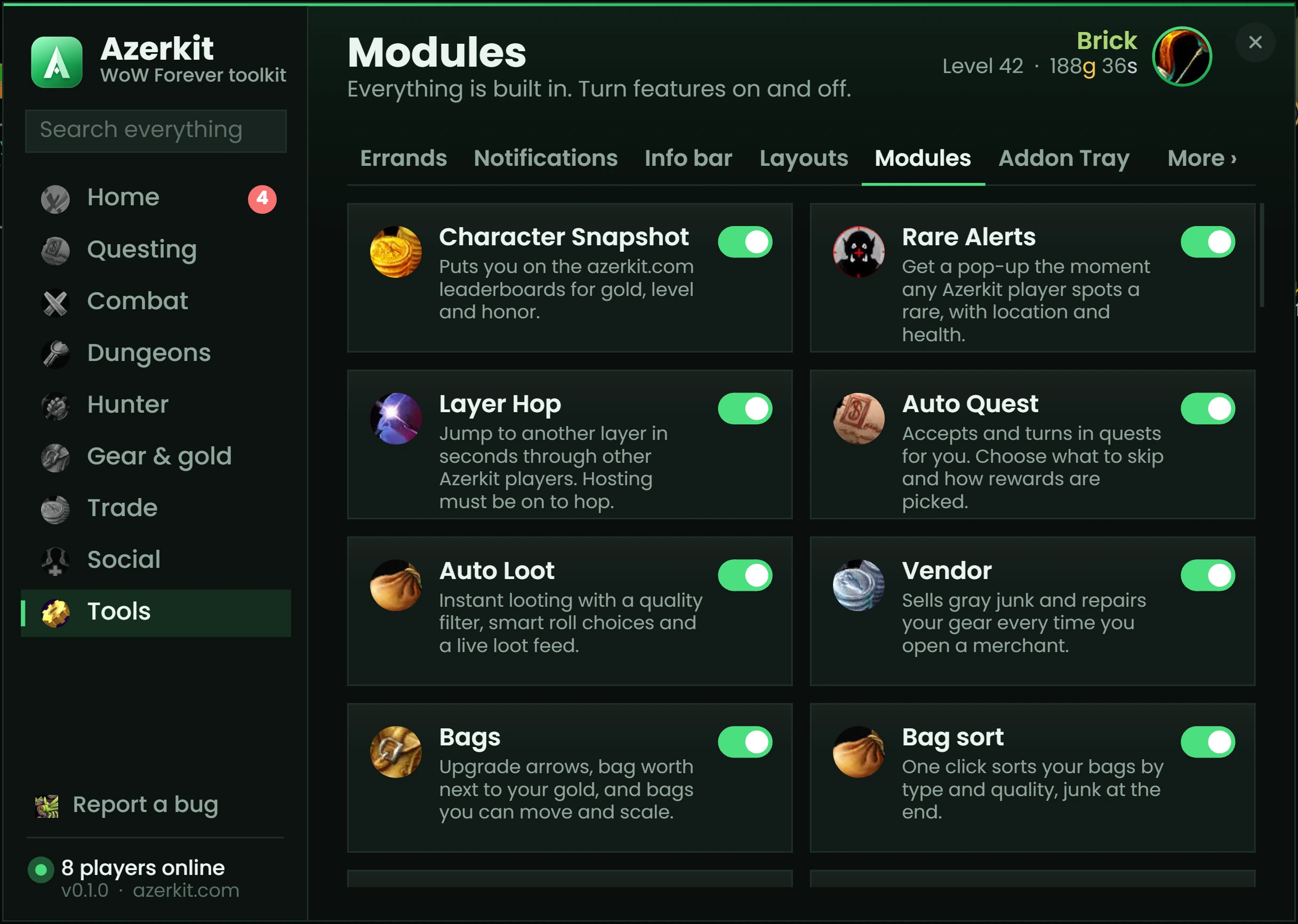
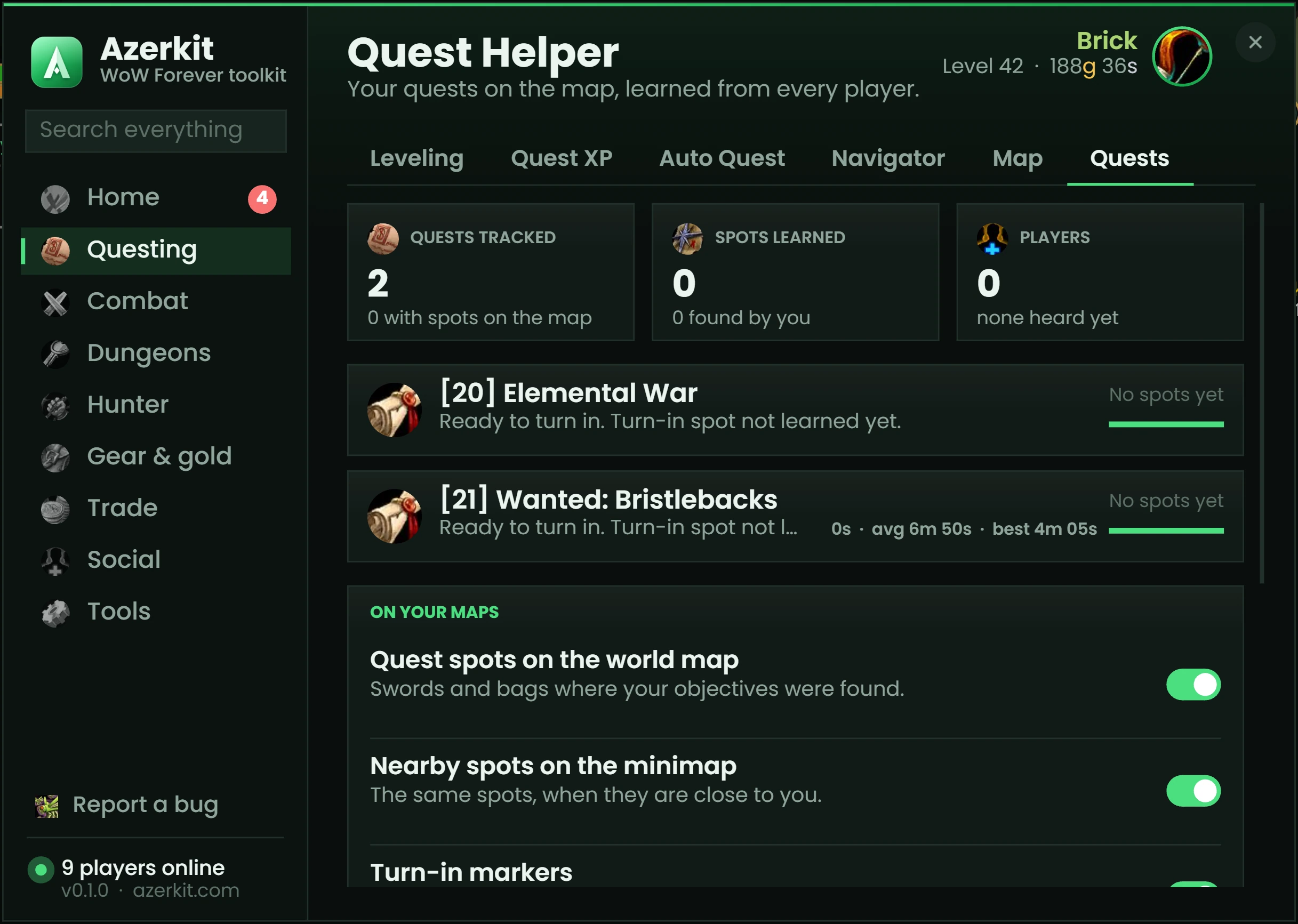
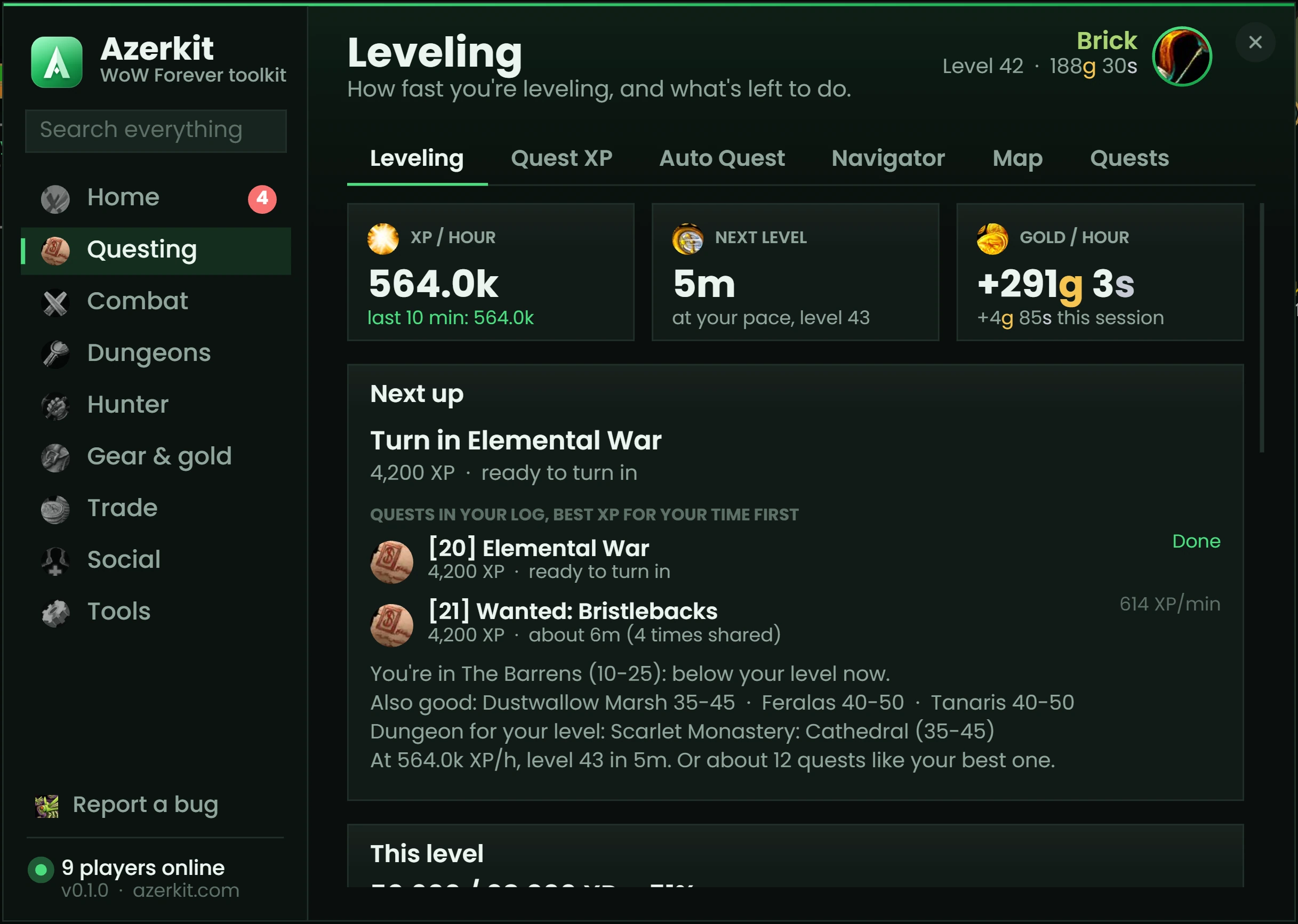
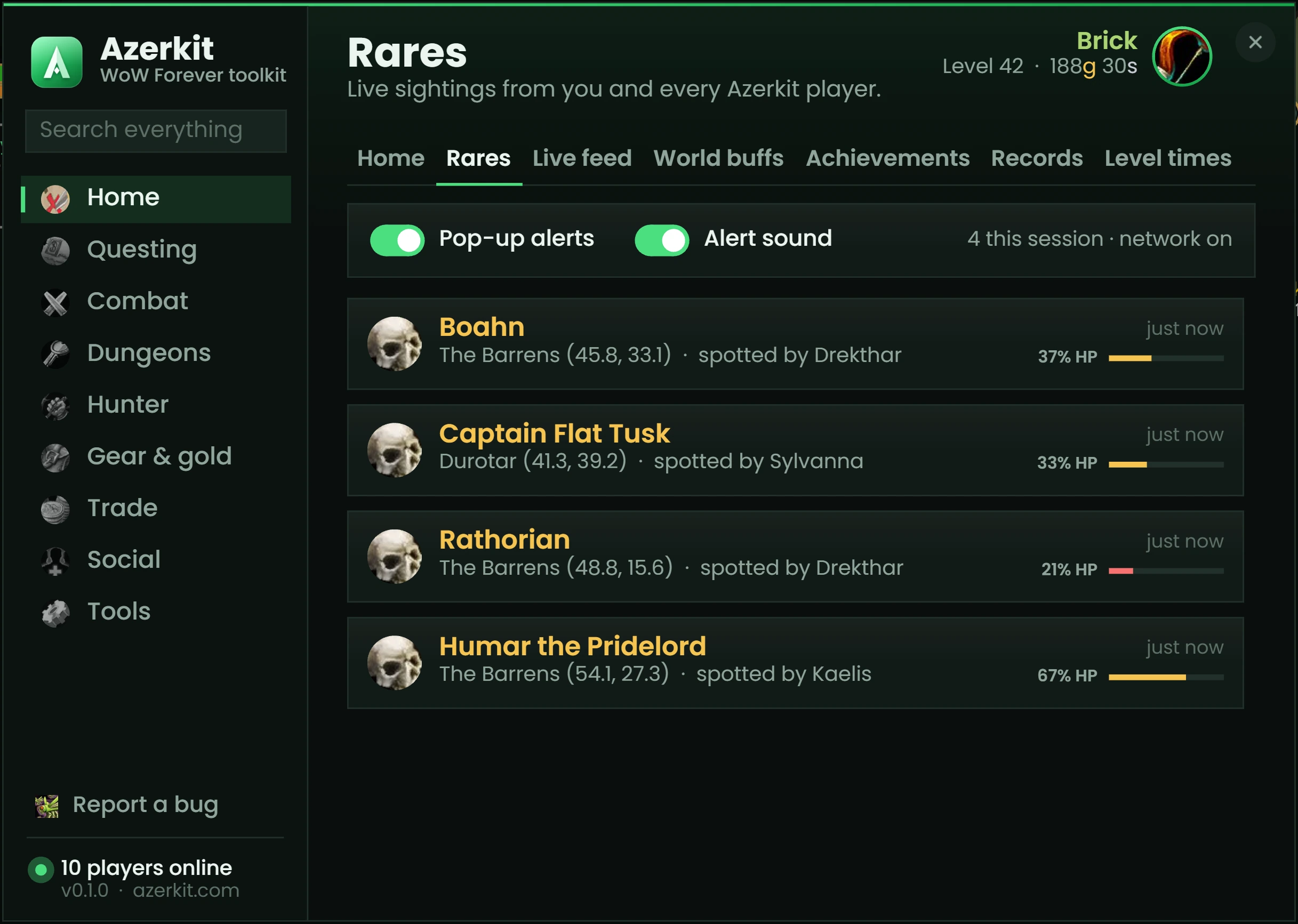
Every module in this guide has its own page in the Azerkit window, with its switches and what it did this session.