 Azerkit
Addons 3 min read
The best kinds of addons for WoW Forever, and how Azerkit replaces them
The addon categories most players install on WoW Forever, what each one is for, and which Azerkit module covers the same job in one window.
The best kinds of addons for WoW Forever, and how Azerkit replaces them
Ask ten players for their addon list and you will get ten different lists, but the jobs on them are mostly the same: a quest helper, a better map, a bag addon, a loot helper, a threat meter and so on. Each of those is usually a separate addon with its own settings window, its own minimap button and its own update schedule.
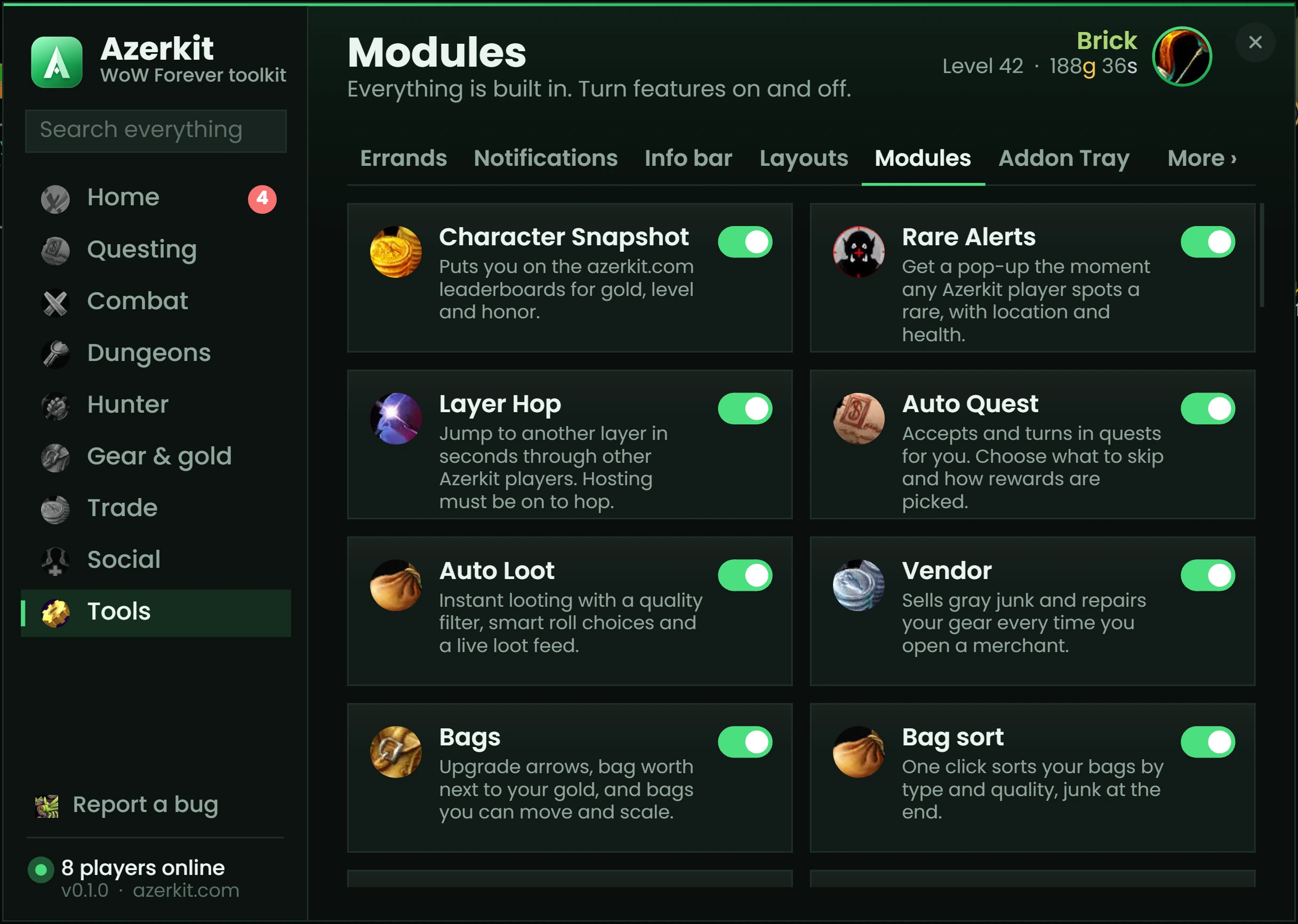
Azerkit takes the other route: one addon with one window, where each of those jobs is a module you can turn on or off. This article goes through the common categories and what Azerkit does for each. We describe categories, not other people's addons; many are excellent, and you can keep any of them alongside Azerkit by turning off the matching module.
Quest helpers
The job: show where quest objectives, givers and turn-ins are.
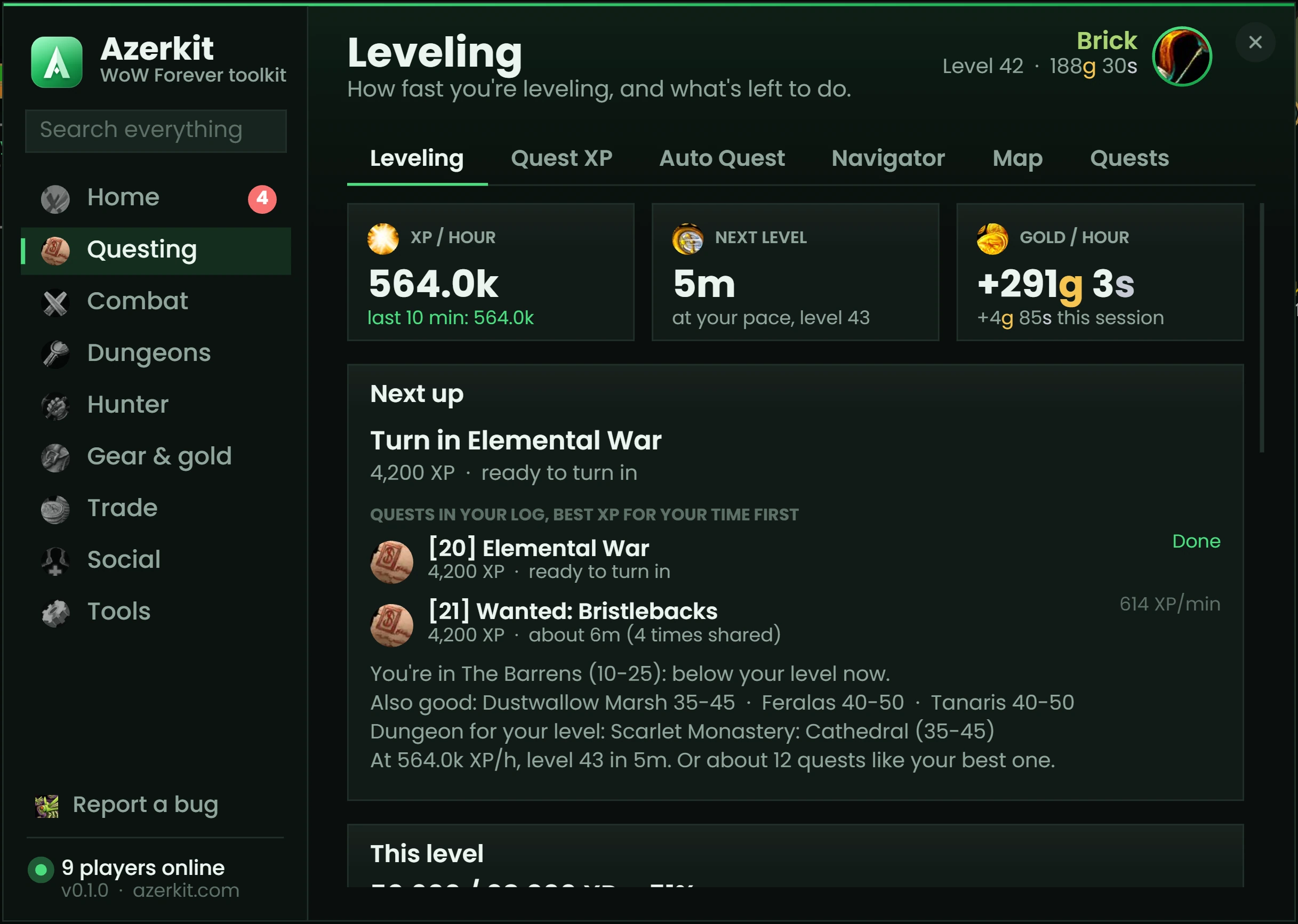
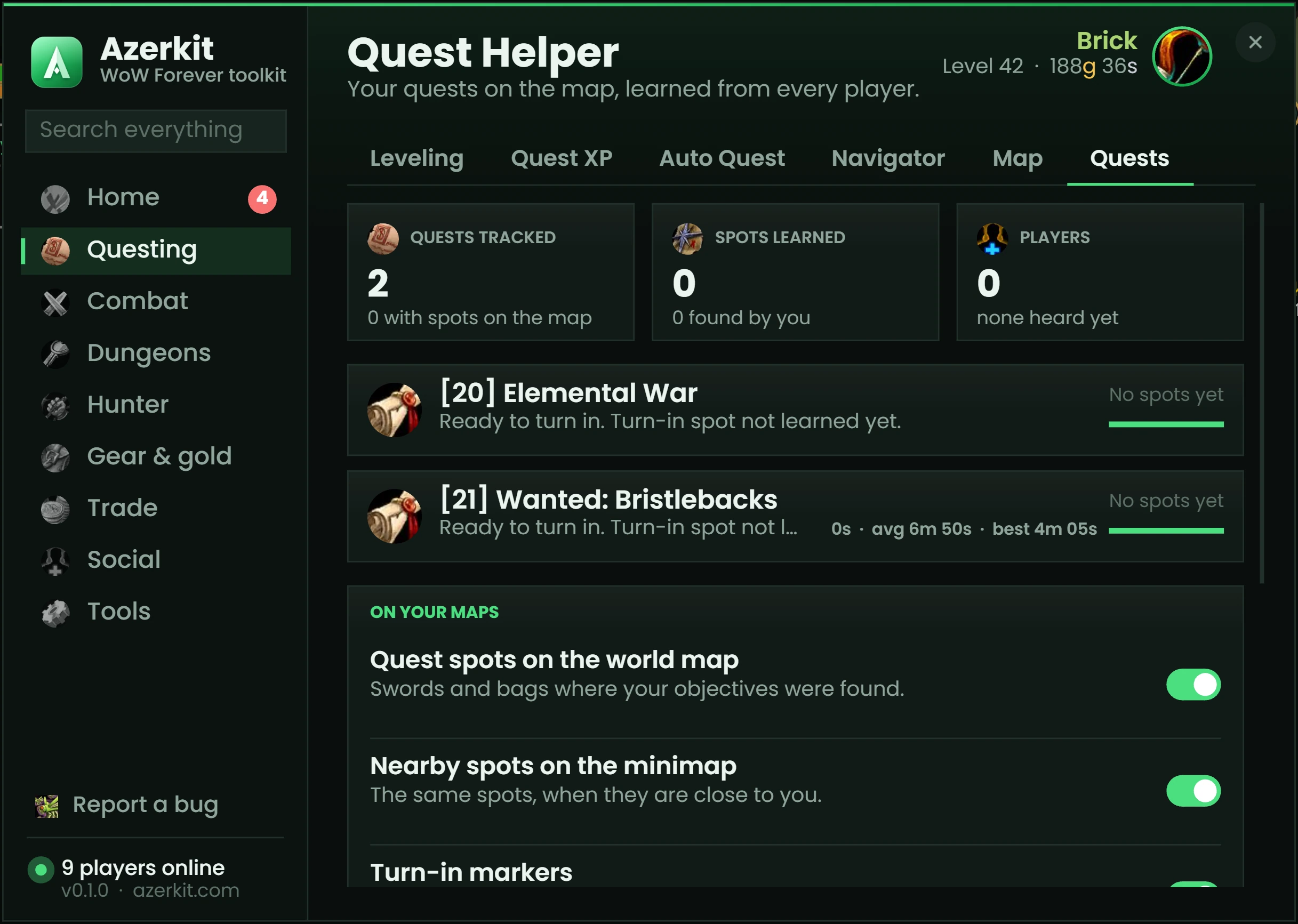
In Azerkit: Quest Helper puts quest spots on your world map and minimap. Azerkit ships no quest database: the spots are learned from Azerkit players as they quest and shared over the Azerkit network. The Navigator adds a ! with progress above every mob you still need, and an arrow to any destination. Auto Quest accepts and hands in quests, with rules for what to skip. See the levelling guide.
Map addons
The job: a better world map, coordinates, pins.
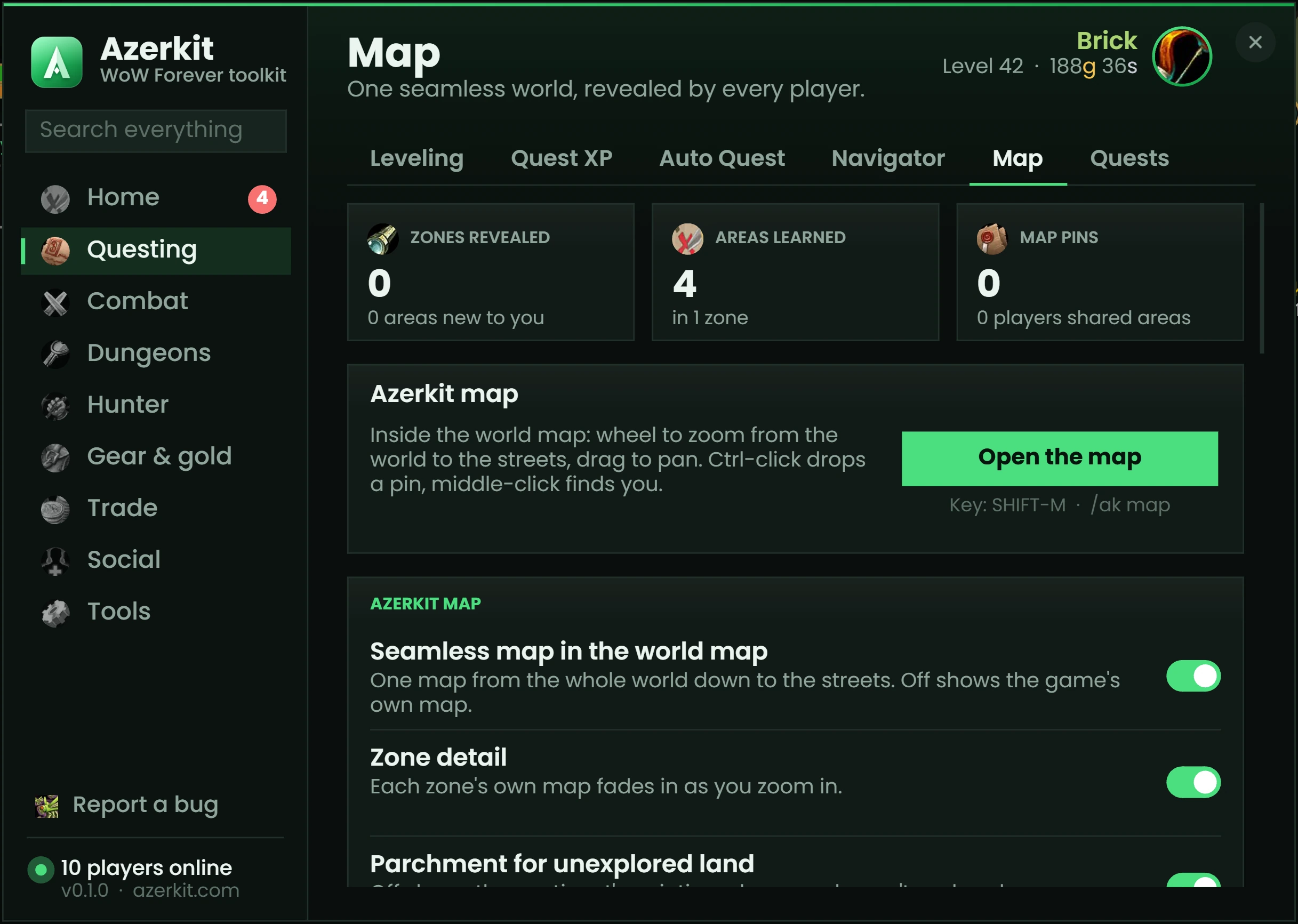
In Azerkit: one continuous world map inside the game's map, from the whole world down to street level, with zoom at the cursor, explored areas (yours and shared ones), party members, search, Find me and pins that set the game's waypoint. Open it with /ak map.
Bag addons
The job: one bag, search, upgrades at a glance.
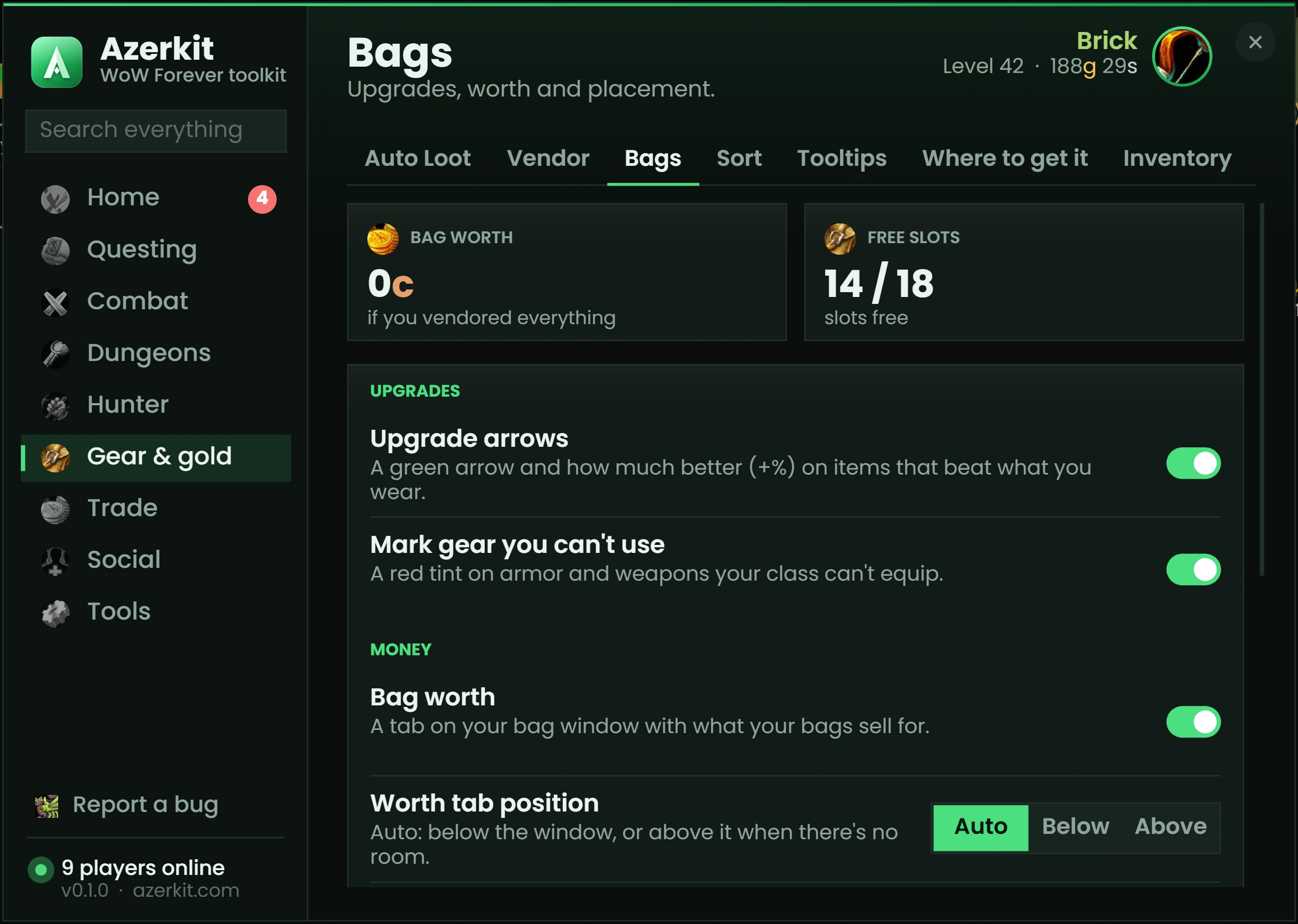
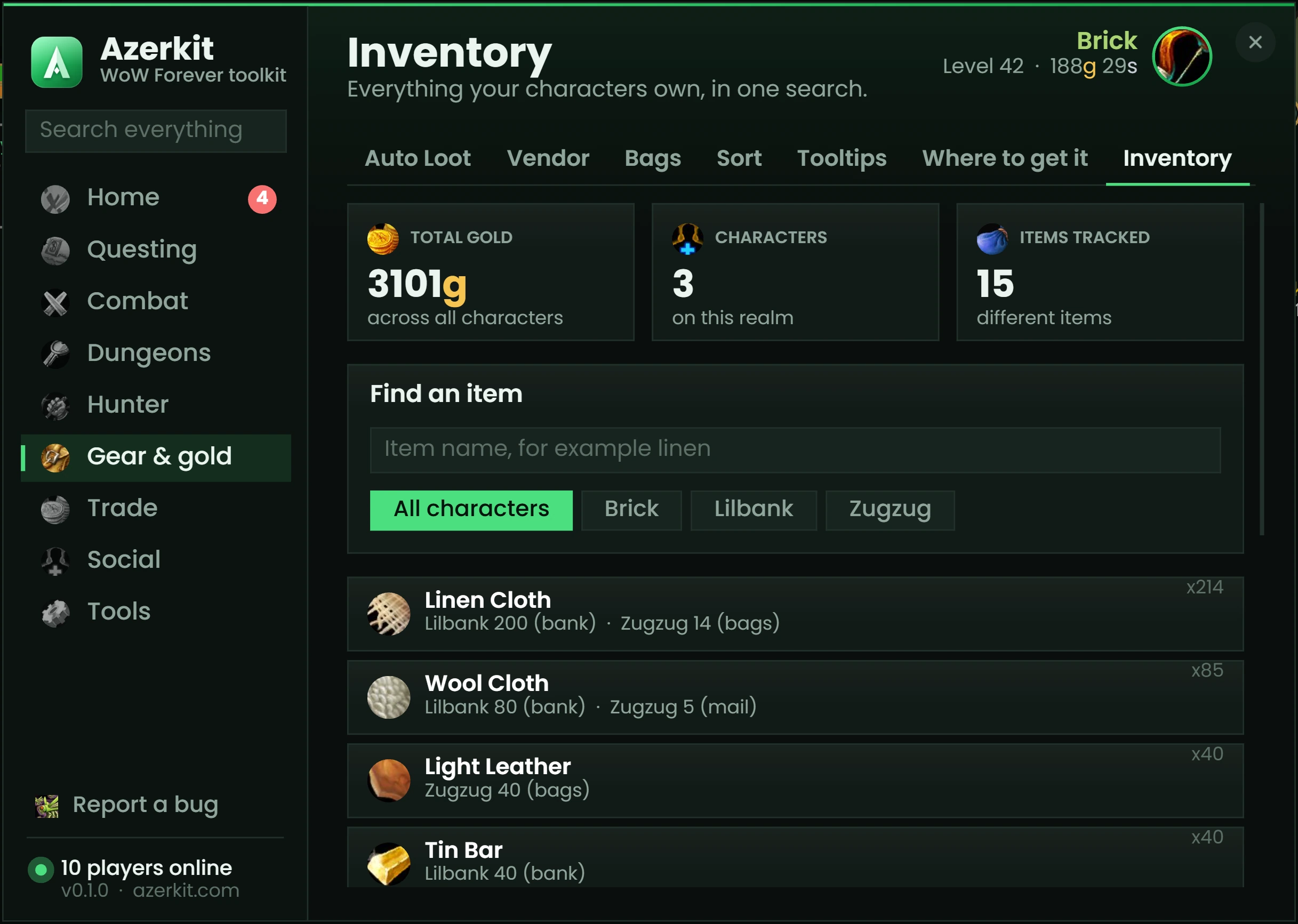
In Azerkit: Bag upgrades marks better gear with a green arrow and unusable gear in red, shows upgrade percentages in tooltips and your bag's vendor worth. Inventory searches bags, bank, equipped items and mail on every character (/ak find), and the bag mover lets you place and lock bags.
Loot and vendor helpers
The job: faster looting, selling junk, repairs.
In Azerkit: Auto Loot gives instant loot with a quality filter, passes grey and greeds green rolls, and pops up rare drops. Vendor sells junk and outdated soulbound gear (enchanters keep greens for disenchanting) and repairs, using guild funds first.
Rare scanners
The job: tell you when a rare spawns.
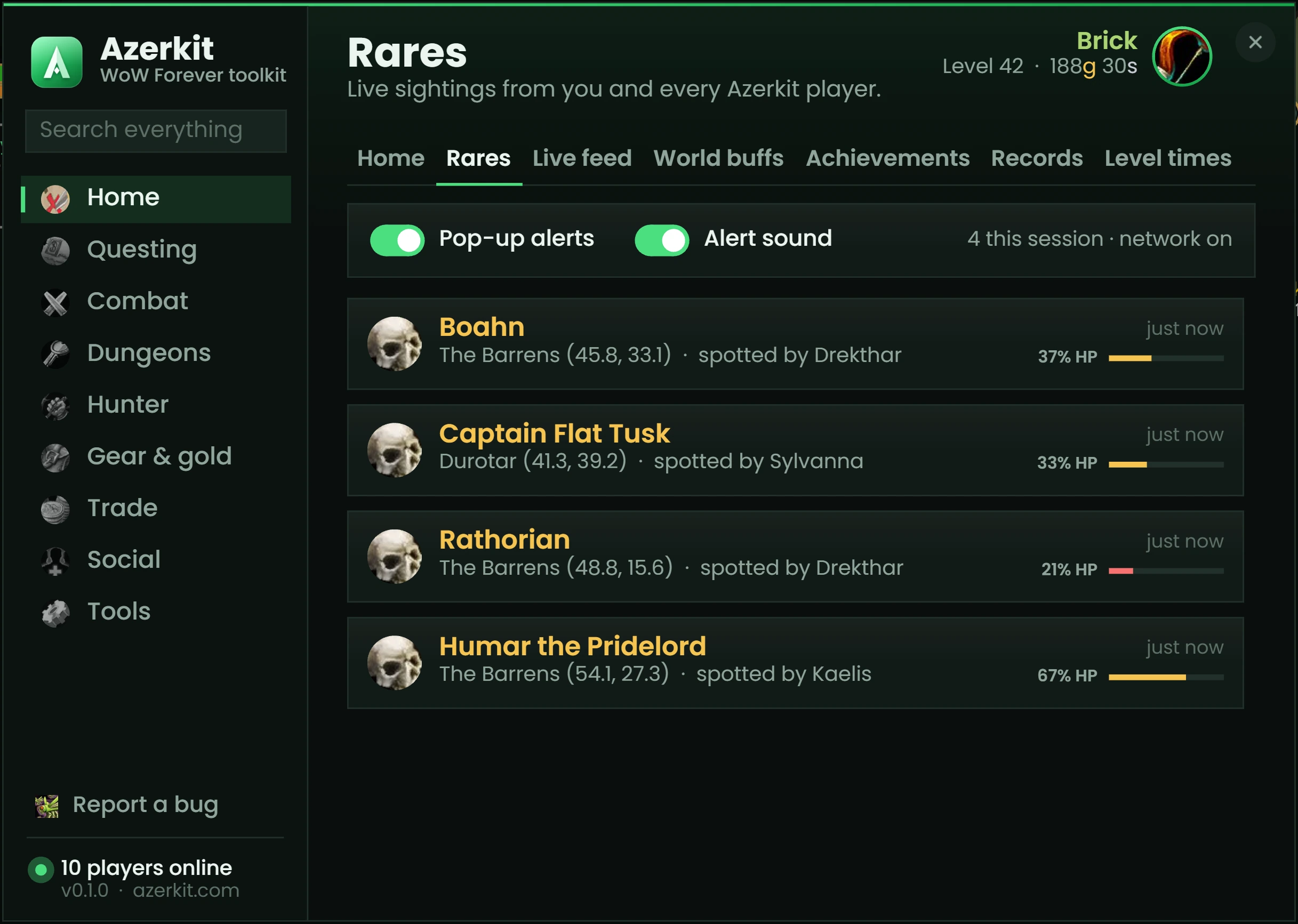
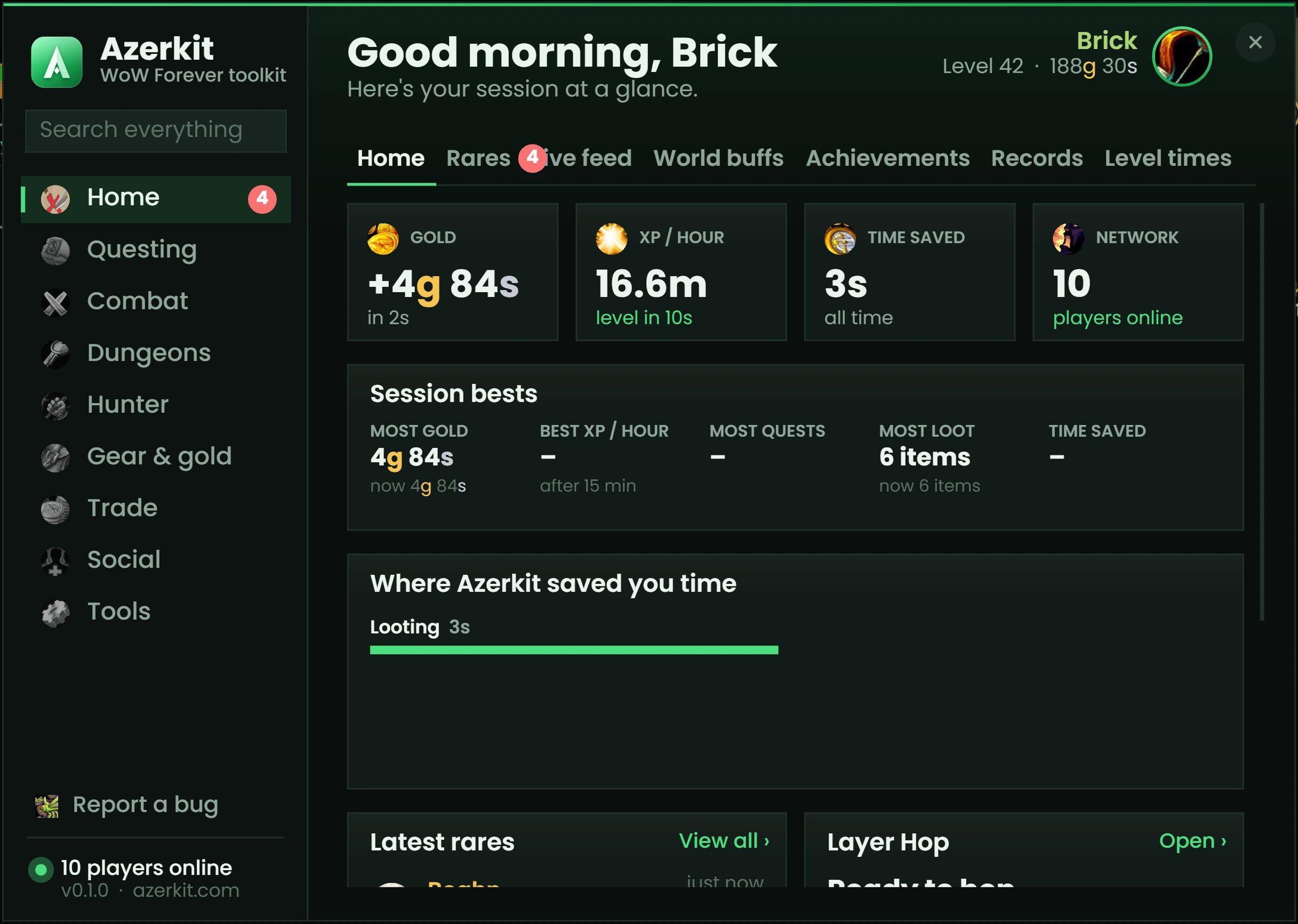
In Azerkit: Rare alerts are network-wide. When an Azerkit player spots a rare, everyone on the network gets an alert with the zone, coordinates and health, and a pin on the map.
Threat meters and combat timers
The job: threat, swing and cast timers, cooldowns.
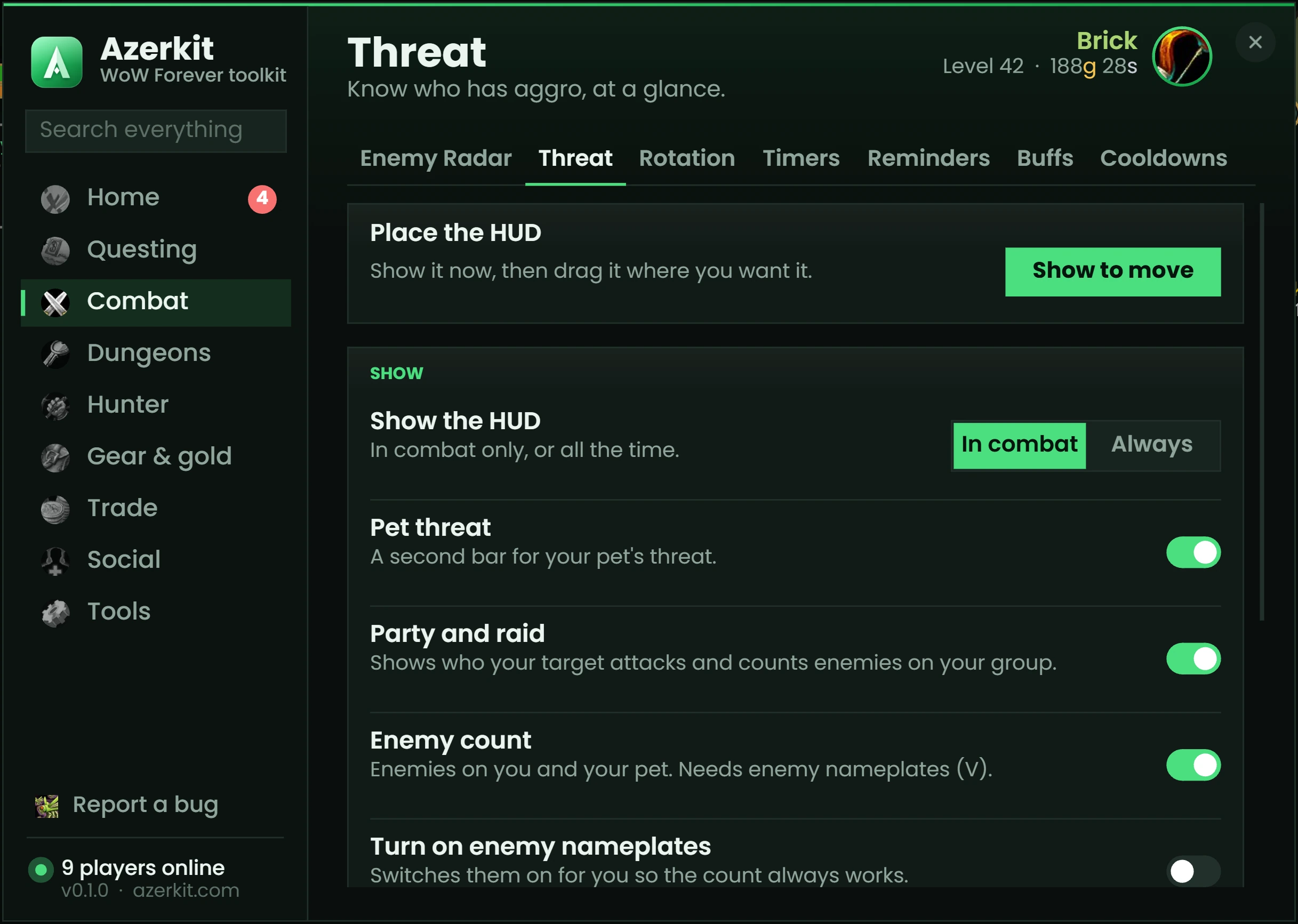
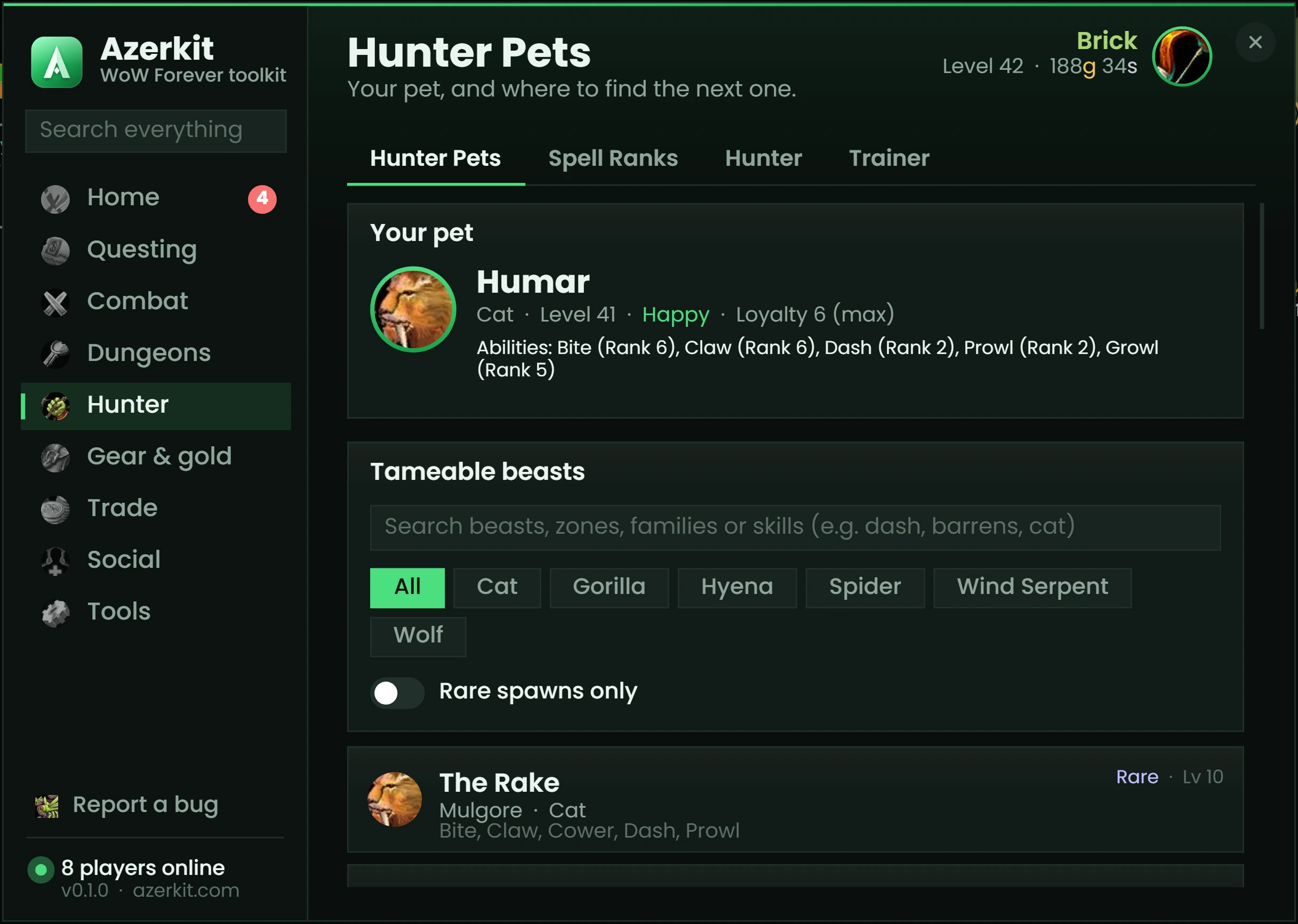
In Azerkit: the Threat HUD shows your and your pet's threat on the target and warns when something pulls off you. Swing Timers estimates your melee swings (Forever hides the combat log from addons), Cooldown numbers puts a countdown on every cooldown, and each class has its own kit panel. See classes.
Auction and profession helpers
The job: prices, posting, shopping lists, recipes.
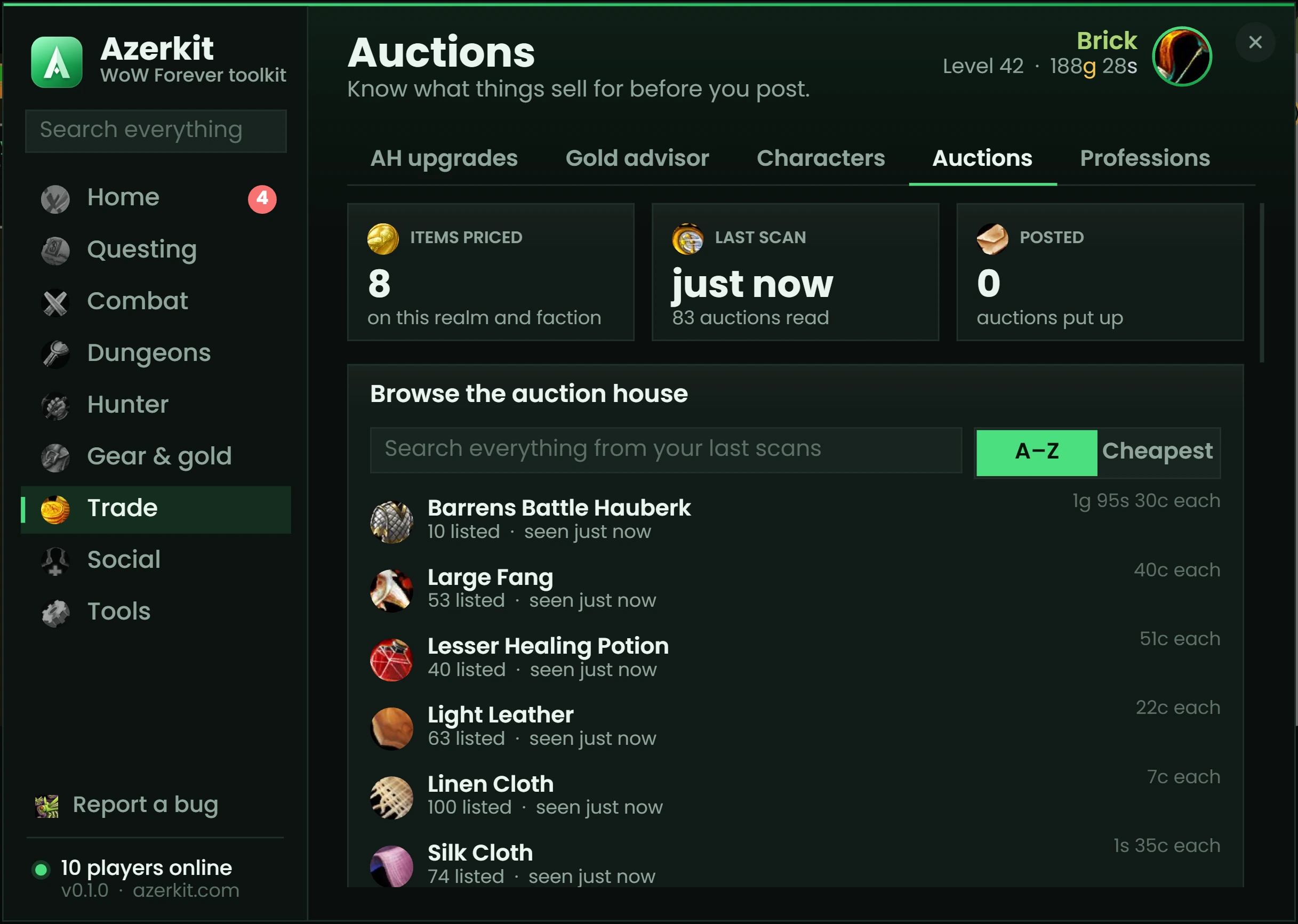
In Azerkit: Auctions adds a side panel to the auction house with a full scan, price history, quick posting with an undercut and a shopping list. Professions lists your recipes, a shopping list minus what you already own, and learned trainers and recipe vendors.
Group and guild finders
The job: find a group or a guild without spamming chat.
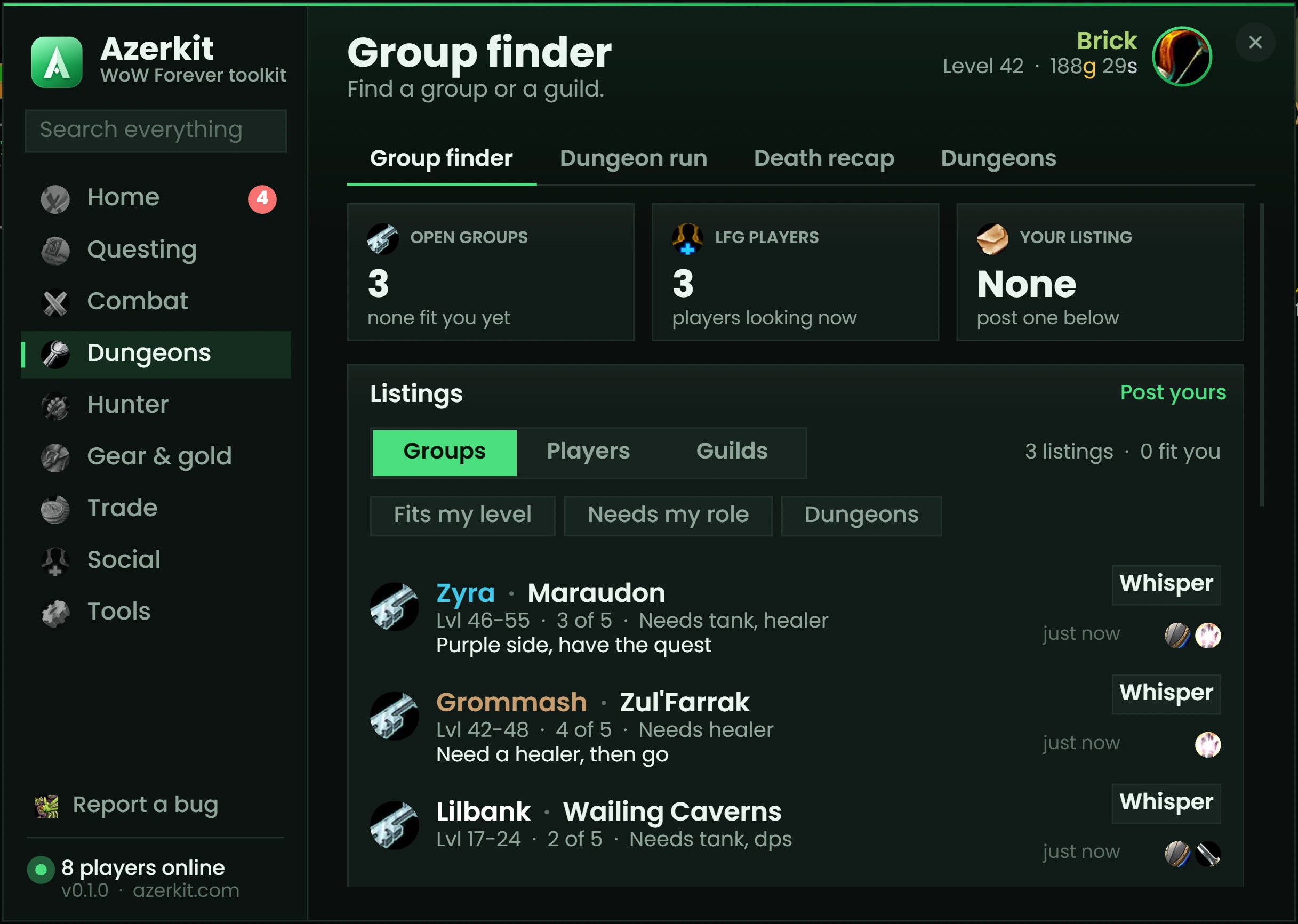
In Azerkit: the group finder lists groups, groups needing more players, guilds recruiting and players looking for a guild, filtered by your level and role. The same listings are on azerkit.com, so you can browse them before you log in.
Minimap button collectors
The job: tidy up a minimap full of buttons.
In Azerkit: right-click the Azerkit minimap button for the addon tray: other addons' minimap buttons gathered into one flyout.
What Azerkit does not do
Azerkit does not include a full damage meter yet, and its quest pins depend on Azerkit players having quested in an area. If you rely on those, keep your favourite addon for that job and turn off the overlapping Azerkit module. Everything is on the Modules page in game.
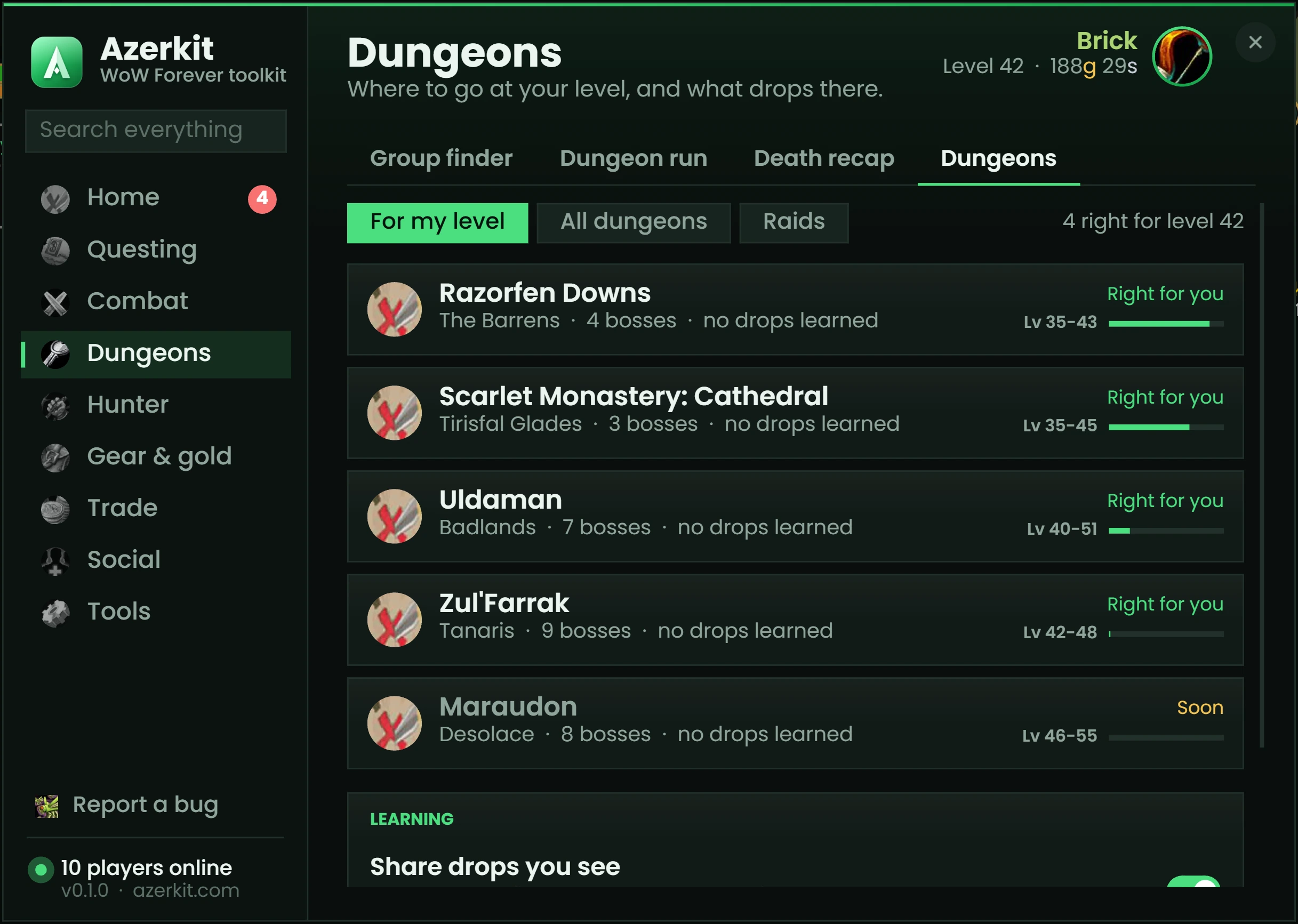
Why one addon
- One settings window for everything, with the same look and controls.
- One update instead of fifteen.
- Modules that know about each other. The quest helper feeds the navigator, rare alerts feed the map, and the leveling planner reads your quest log, so nothing warns you twice.
Ready to try it? Install Azerkit in five minutes.
Type /ak in game
Every module in this article has its own page in the Azerkit window, with its switches and what it did this session.